Remote hands and fault checks
Follow an approved work order, inspect alerts and hardware, trace visible faults and report findings to the remote technical contact.
 Request an engineer
Remote hands in West Drayton
Book independent remote hands for server, storage and cabling work at Digital Realty LHR17 - Airport Gate in West Drayton.
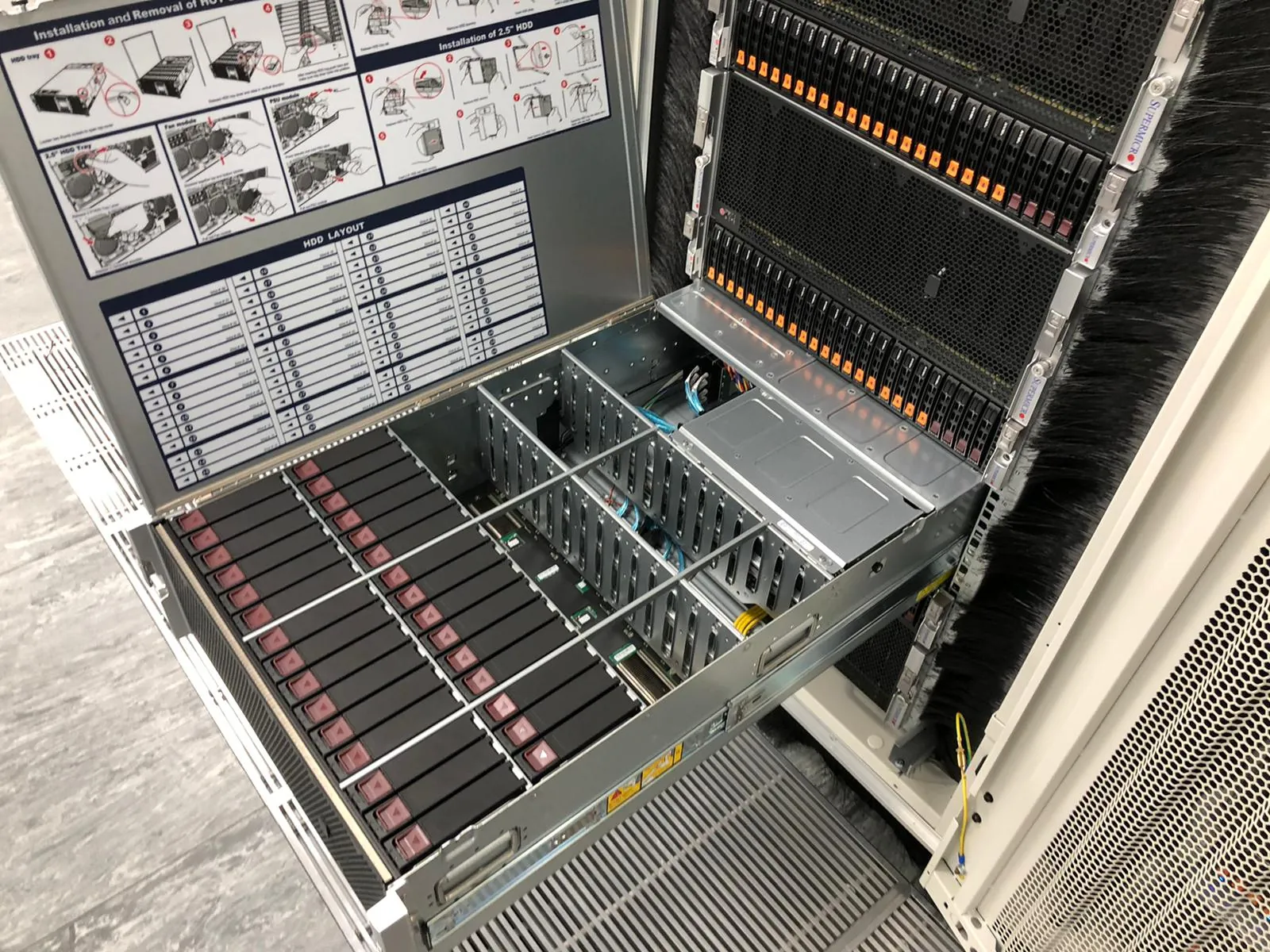
Digital Realty lists LHR17 - Airport Gate at 1 Airport Gate, Bath Road, West Drayton, UB7 0NA. Use the facility name, postcode and rack reference on the access request so the engineer reaches the right building.
The page is for teams that already have equipment at LHR17 - Airport Gate and need an independent data centre engineer onsite. Uplink does not sell colocation space at this address.
1 facility in the coverage register sit in West Drayton. That local cluster can help when one work order covers equipment at more than one site.
The customer must arrange access with Digital Realty and authorise Uplink for LHR17 - Airport Gate before attendance.
Check the operator location informationFollow an approved work order, inspect alerts and hardware, trace visible faults and report findings to the remote technical contact.
Fit rails, install servers, storage or network equipment, connect power and complete the agreed rack layout.
Install, label, trace or replace copper, fibre and power connections against the supplied port plan.
Replace authorised parts, remove failed equipment or decommission retired systems with a clear completion record.
Uplink works on customer-owned equipment to the approved scope. Your technical contact keeps control of changes and escalation decisions.
Uplink has no commercial relationship with Digital Realty. The operator name and address identify the service location only.
Use the facility code, full postal address and postcode shown on the access booking.
Include the vendor, model, serial number, rack position and any replacement parts already onsite.
State what the engineer may disconnect, replace or reconfigure, and who can approve a change.
Nominate Uplink with the operator, confirm the access window and provide the remote escalation contact.
Yes, subject to engineer availability, an agreed work order and access arranged by the customer with Digital Realty.
The location reference used on this page is 1 Airport Gate, Bath Road, West Drayton, UB7 0NA. Confirm it with the operator when arranging access or sending parts.
Uplink can carry out rack and stack work, server and storage installation, copper and fibre patching, hardware fault checks, approved parts replacement and equipment decommissioning.
Yes. Send the rack position, rail kit, equipment list, power and network plan, cable labels and the remote contact who can approve any change.
Send LHR17 - Airport Gate, UB7 0NA, the access window, rack reference, equipment details, work scope and escalation contact to matt@uplink.limited.
No. Uplink is an independent engineering company. Digital Realty is named only to identify the customer-authorised service location.
Arrange an onsite visit
Include the facility name, postcode, rack reference, access window, equipment list and the result you need.