
Digital Realty uses LHR, LON and LGW facility codes across several areas. The Uplink register includes sites in Slough, West Drayton, Central London, Aldgate, Docklands, Chessington, Woking and Crawley. The code and address must travel together in the work order.
A hardware visit runs more cleanly when the remote diagnosis, onsite inspection and change authority are separated. The engineer can then verify the physical fault before using the spare part or moving a live cable.
Resolve the facility code before booking
LHR26 and LHR27 sit in Slough, LHR17 is listed in West Drayton, LHR18 at Oliver's Yard is in Central London, and LON1, LON2 and LON3 are separate Aldgate buildings. Docklands entries include LHR19 Cloud House and LHR20 Marsh Wall.
Do not infer the location from the prefix. Copy the facility code, full postal address and postcode from the current operator booking, then use the same wording on the engineer nomination and parts delivery.
Give the onsite engineer a known starting state
Send the alert, log excerpt, serial number and recent change history before attendance. If the remote team suspects a drive, controller, power supply or network component, explain why and include the replacement part number, but keep the inspection step in the plan.
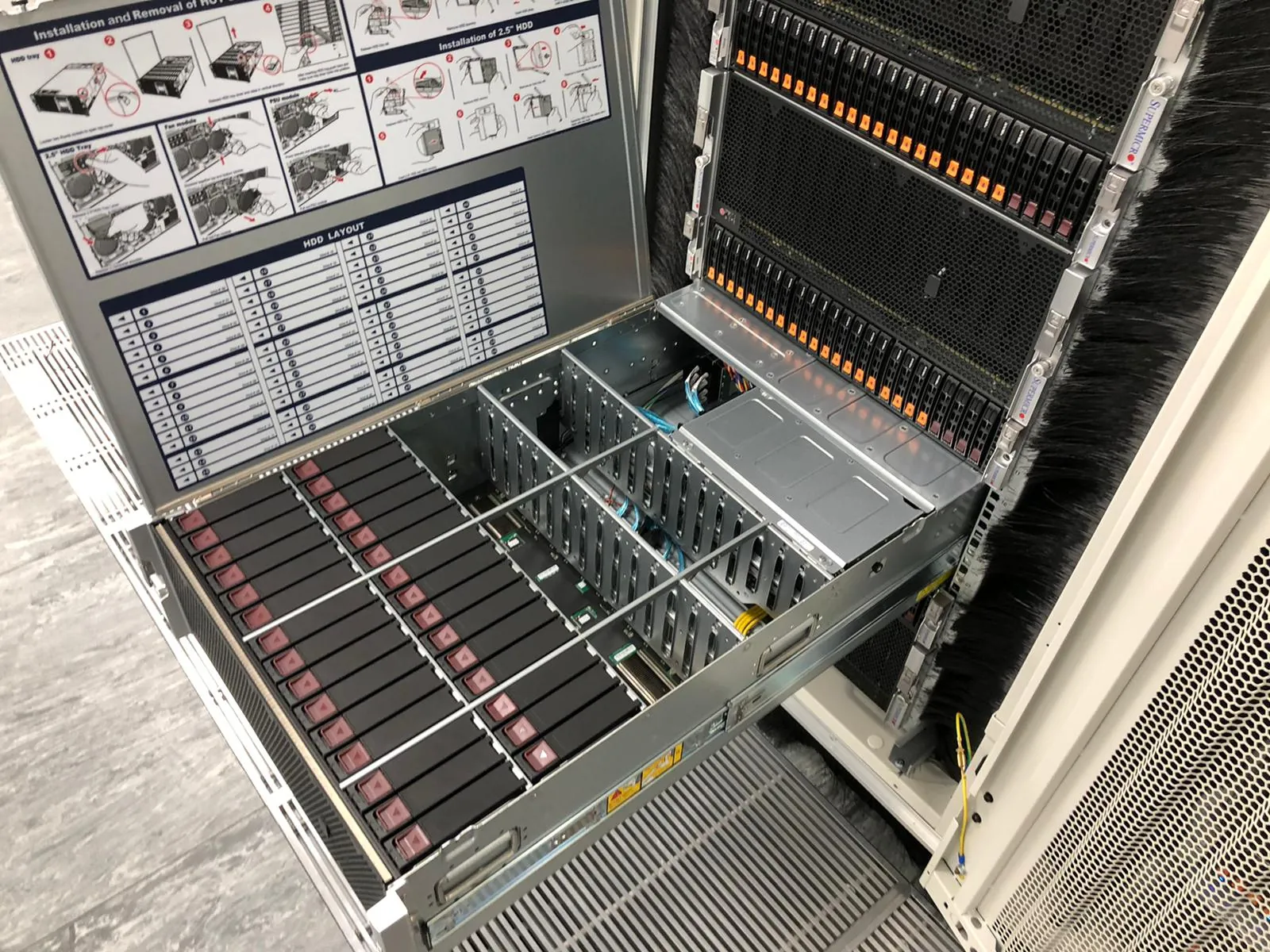
The onsite engineer should photograph indicator states and check seating, power and cabling before removing a part. That evidence can expose a disconnected path or backplane issue that looked like a failed component from the operating system.
Define what may be disconnected
A server rear panel may contain production, management, storage and cluster links that look alike. Name every cable that may be moved, its source and destination, and the label expected at both ends. Where the label is missing or unclear, the work order should say whether to trace it or stop.
For redundant power, state whether the engineer may move one feed at a time and how the remote team will confirm that the remaining path carries load. Never treat two plugged-in leads as proof of working redundancy.
- Exact device and rack position
- Starting alert or failure state
- Approved replacement part and serial number
- Cable or power paths that may be touched
- Remote validation after each physical action
- Failed-part retention or return instruction
Use a narrow change boundary for storage faults
Storage incidents can worsen when a replacement triggers an unexpected rebuild or when a controller sees a foreign configuration. Capture controller, virtual-drive and physical-drive state before making a change. If the evidence does not match the expected failure, pause and reassess.
Uplink can inspect the controller, drives, backplane, power and SAS or SATA paths onsite while the remote owner decides whether to import, rebuild, restore or move the case to a recovery specialist.
Return a record that another engineer can use
Record the facility, rack, asset, removed part, fitted part and observed result. Include photographs that show the rack position and final connections without exposing unrelated customer equipment.
Uplink has no commercial relationship with Digital Realty. Customers arrange access and approve the scope; Uplink provides independent onsite support for their equipment.
References
Facility names and addresses can change. Confirm the current access record with the operator before booking travel or sending parts.