
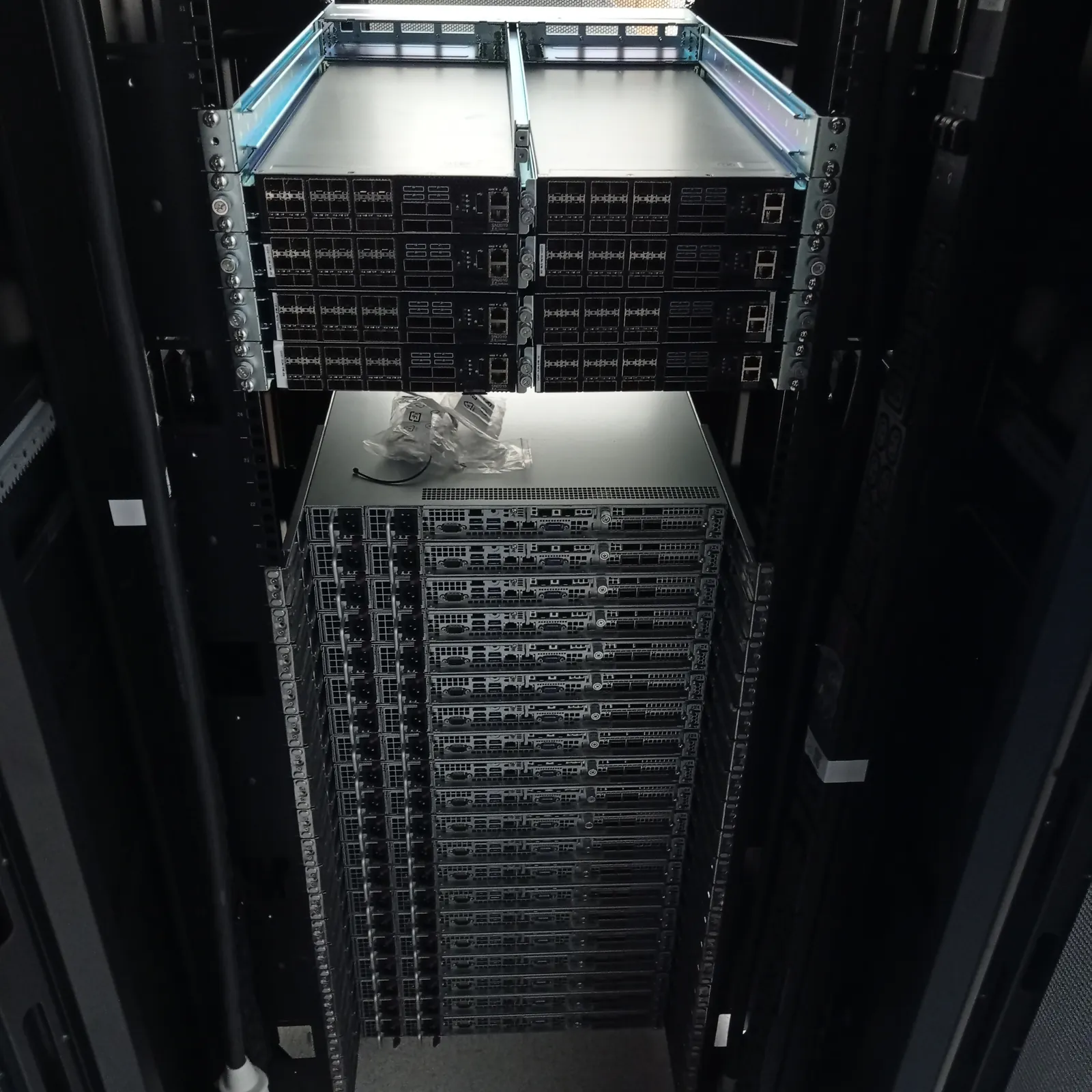
A hosting provider or ISP does not always need another engineer in its NOC. It needs a capable person beside the correct rack, following the ticket while the network and systems teams keep control. Uplink provides independent remote hands and smart hands for customer-owned infrastructure in London and the surrounding UK data-centre region.
We work with US, UK and European operations teams on server installation, network cabling, hardware faults, part replacement and decommissioning. Uplink brings more than 15 years of hardware deployment and troubleshooting experience in London data centres, with practical knowledge of the server, storage and RAID hardware commonly found in hosting platforms.
One onsite engineering contact across a 120-road-mile planning area
The Uplink directory currently contains 157 facility pages within a planning range of 120 road miles from Aylesbury. It covers major clusters in Slough, Docklands, central and west London, plus listed facilities across the South East, Midlands, South Coast and South West. Each page names the operator, facility and full address so a request can start with the correct building.
The radius is a planning area, not a standing attendance promise. Send the exact facility, postcode, access window and work scope. We then confirm engineer availability, travel and the expected arrival time for that booking. This is especially important for a provider managing racks at several sites under different operator access rules.
Physical work for hosting and ISP operations teams
Uplink can install and remove servers, storage, switches, routers and firewalls; fit rails and authorised parts; patch copper and fibre; check redundant power; trace a physical link; connect a crash cart; and record indicator or console states. For a planned expansion, we can work through the rack elevation and port plan while your team handles provisioning and configuration remotely.
For an incident, the first visit should preserve the starting state. We can identify the affected chassis, inspect power and cabling, check seating, record drive or controller indicators and replace an approved spare. Uplink works across Dell PowerEdge, HPE ProLiant, Lenovo ThinkSystem, Supermicro, GIGABYTE, ASUS and ASRock Rack platforms. Our Broadcom RAID controller experience is useful across multiple OEM server ranges when an array drops offline.
- Rack and stack for servers, storage and network appliances
- Copper, fibre, optic and redundant-power checks
- Approved PSU, fan, drive, memory, NIC, HBA and controller replacement
- Physical investigation of server, storage and RAID faults
- Hardware audits, serial-number records and rack documentation
- Decommissioning, packing and agreed data-media handling
Your NOC keeps control of the production change
The remote team should own the diagnosis, configuration and approval path unless the work order assigns a specific technical decision to Uplink. The onsite engineer handles the physical state: which device is present, where each cable runs, what the indicators show and whether the approved action produced the expected result.
This split works for teams based in London, elsewhere in the UK, continental Europe or North America. A US operations team can remain on the bridge while an engineer works at the UK rack. An EU provider can use the same method for a migration or fault visit without sending its own staff through airports and data-centre inductions.
Send a dispatch pack that can survive the data-hall door
A good ticket still makes sense after the engineer loses access to your internal chat and monitoring screens. Put the identity, authority and stop conditions in one dispatch pack. If the onsite state differs from the pack, the engineer should pause, show the mismatch and wait for the named change owner.
For multi-rack or multi-site work, use the same naming convention in the ticket, rack labels, cable schedule and evidence request. This reduces the chance that a correct instruction is carried out on the wrong device, especially where several identical appliances share a cabinet.
- Operator, facility code, full address and access-booking reference
- Customer space, cage or suite, row, rack and rack-unit position
- Vendor, model, serial number, asset label and front or rear orientation
- Fault symptoms, timestamps, monitoring evidence and recent changes
- Permitted actions, approval points, stop conditions and rollback plan
- Port map, optic and cable types, labels and A/B power destinations
- Spare-part numbers, onsite holding reference and failed-part handling
- Remote technical contact and the photographs or readings required at handover
Treat network incidents as an evidence problem first
A down interface can start at the appliance, optic, patch lead, patch panel, cross-connect, carrier circuit or the far end. Tell the engineer which part of that path belongs to you and which physical checks are authorised. Moving a live patch lead to an available-looking port can turn one fault into two undocumented changes.
Ask for the observations your network team needs: link state at both ends, optic identifiers, cable labels, port numbers, alarm lights and a photograph where the facility permits it. If the customer-side hardware and patching match the plan, the carrier or data-centre operator may own the next investigation.
Keep operator services and customer-side work separate
Uplink is independent of the data-centre operators listed in our directory. The customer arranges entry, names the authorised equipment and approves the work. Operator-managed cross-connects, facility power changes, deliveries, escorts and carrier services keep their own order numbers and completion records.
Confirm those prerequisites before the engineer travels. We can patch the authorised customer-side port after a cross-connect has been presented, but the work order should not assume that a new operator circuit will appear during the visit. Clear ownership saves waiting time and makes escalation faster when a dependency is missing.
Use planned visits for migrations, capacity work and decommissioning
Hosting and ISP work is often easier to schedule than to recover under pressure. A planned visit can verify rack space, rail compatibility, power outlets, cable lengths and parts before the change window. For repeated deployments, prove the first installation against the standard and then apply the accepted pattern to the remaining units.
Decommissioning needs the same discipline. List the devices and media to remove, the cables that must remain, the packing method, asset record and collection reference. If drives need onsite destruction, agree the method, authority and evidence before the visit rather than adding it after equipment has been removed from the rack.
Request cover with the facility and outcome
Send Uplink the facility name and postcode, rack reference, access window, equipment list and the result you need. Add the runbook if one exists and name the person who can approve a deviation. We will confirm whether the job is within coverage, what information is missing and how the visit should be scoped.
For providers with several UK racks, include the full site list and the likely mix of planned and urgent work. We can quote the immediate task first and then agree a repeatable handover format for future visits. Each attendance remains subject to engineer availability, customer-arranged access and an approved work order.
Frequently asked questions
Can Uplink support hosting providers and ISPs based outside the UK?
Yes. Uplink works with US, UK and European operations teams on customer-authorised equipment in UK data centres. Your remote team can retain control of configuration and approvals while our engineer carries out the agreed physical work onsite.
Which UK data-centre locations are within Uplink's coverage?
Our directory currently lists 157 facility pages within a planning range of 120 road miles from Aylesbury. Send the exact facility and postcode so we can confirm engineer availability, travel and access requirements for that booking.
Can Uplink provide ISP remote hands for switches, routers and fibre?
Yes. Agreed work can include physical inspection, copper or fibre patching, optic checks, appliance installation, authorised hardware replacement and evidence for the remote network team. Configuration or wider fault decisions must be included in the approved scope.
Does Uplink replace the data-centre operator's own remote-hands service?
Uplink is an independent option for customer-owned equipment. The operator still controls access and its own facility services. Choose the provider that fits the task, and keep one change owner when more than one onsite team is involved.
References
- Uplink: listed data-centre facilities and planning range
- Equinix: examples of Smart Hands tasks
- Telehouse: Remote Hands and Smart Hands service examples
Facility names and addresses can change. Confirm the current access record with the operator before booking travel or sending parts.