
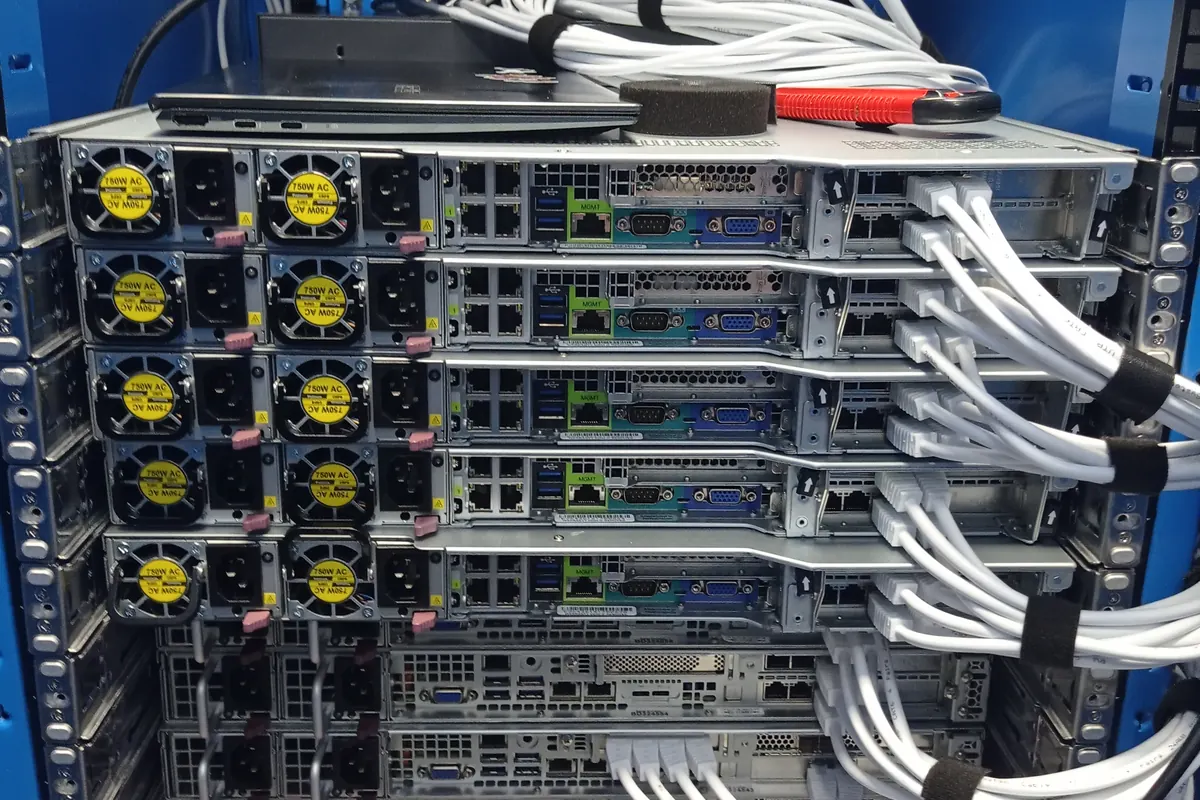
A remote-hands request for Slough needs more than an operator name. Equinix runs several separately named facilities in the area, and the engineer needs the correct IBX, rack reference and access booking before travel.
The work order should let an onsite engineer complete the physical task while your technical team keeps control of configuration changes. That split works well for planned installations, cable work, part swaps and first-pass fault checks.
Start with the exact Equinix IBX
LD4, LD5 and LD6 are separate facilities. The current Uplink register lists LD4 at 2 Buckingham Avenue, LD5 at 8 Buckingham Avenue and LD6 at 352 Buckingham Avenue. A request that says only "Equinix Slough" leaves room for a failed access booking or a courier delivery to the wrong building.
Use the facility code shown on the operator booking, then add the full address, postcode, customer or cage reference and rack position. Confirm those details with Equinix before the visit because operator records remain the authority for access.
Write a work order that can be followed remotely
The engineer should know what success looks like before entering the data hall. If the job depends on a live decision, name the person who can approve it and give a phone number that will be answered during the access window.
- Facility code, full address, access window and booking reference
- Cage, suite, row and rack position
- Vendor, model, serial number and asset label for each device
- Permitted actions, stop points and rollback instruction
- Remote technical contact and an escalation number
For rack and stack, specify the physical details
List the rail kit, rack units, server weight, lifting requirement and front-to-rear orientation. State the required A and B power feeds, connector type and expected PDU outlets. If blanking panels, cage nuts or cable-management arms form part of the job, put them on the parts list.
A port plan should identify the device port, patch-panel position, optic or cable type and label format. The engineer can then install and trace the physical path without guessing which live connection may be moved.
Plan how the remote team will verify the work
Agree the checks before the change starts. Typical evidence includes serial-number photographs, rack-position photographs, power-state confirmation, link lights and a cable-label record. Console access or an out-of-band management check should happen only where the work order authorises it.
If a port does not come up, the engineer needs a defined stop point. Swapping optics, moving a cable or power-cycling equipment can widen the change, so the remote contact should approve each step outside the original plan.
Handle fault visits differently from installations
For a failed server or storage shelf, capture the alert text, controller logs and recent change history before the visit where possible. Put the suspected part and the spare part number in the work order, but do not frame the diagnosis as settled until the onsite checks agree with it.
An engineer may need to inspect seating, power, SAS or SATA cabling, backplane indicators and drive status before replacing anything. Preserving the starting state matters, especially when a RAID set or local datastore has gone offline.
Close the visit with a usable handover
The completion record should say what was found, what changed, which parts were fitted or removed and what the remote team verified. Record unresolved faults plainly. A clean handover saves the next engineer from repeating the same inspection and gives the change owner a defensible record.
Uplink works independently of Equinix. The customer arranges site access and approves the work; Uplink supplies the onsite engineering for customer-owned equipment.
References
Facility names and addresses can change. Confirm the current access record with the operator before booking travel or sending parts.