
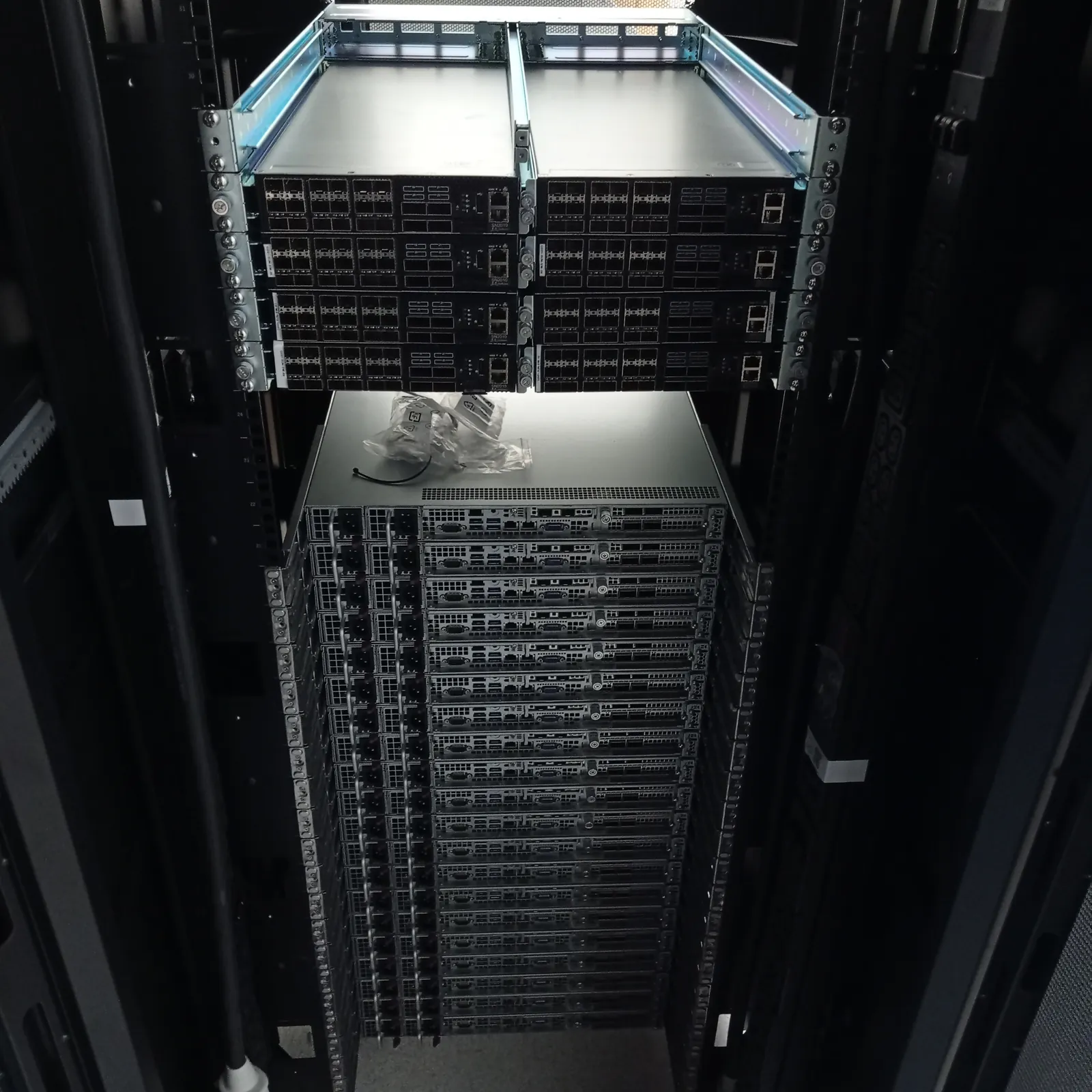
Remote hands and smart hands both put someone beside your equipment when your own team cannot attend. The difference is usually the amount of technical judgement expected onsite, although each data-centre operator and support company defines the terms in its own contract.
Do not book from the service name alone. Write down the work, the decisions the onsite person may make, the actions that need remote approval and the evidence required at handover. That description tells you which service you actually need.
Remote hands follows a narrow physical instruction
Remote hands works well when the device and action are already known. The onsite person might photograph an indicator, read a label, connect a crash cart, power-cycle a named device or move a cable between two stated ports. Your remote team supplies the technical diagnosis and controls each step.
A good remote-hands ticket leaves no room to choose the wrong server or port. Include the facility, cage, rack unit, asset label, device hostname where safe, front or rear orientation and the exact action. Add a stop instruction for any state that does not match the ticket.
Smart hands handles technical work at the rack
Smart hands is the better fit when the onsite engineer needs to trace, inspect, fit or diagnose. Examples include installing rails and servers, checking redundant power, tracing a failed path, swapping a controller or NIC, reseating an internal cable and inspecting a server that will not complete POST.
The engineer still works within customer authority. Smart hands should not mean an open-ended permission to change production equipment. A clear runbook, remote contact and stop points protect the system while allowing the engineer to respond to what is physically present.
- Rack and stack with power and port verification
- Copper, fibre and power-path tracing
- Drive, PSU, fan, memory, NIC and HBA replacement
- Physical diagnosis of server, storage and RAID faults
- Decommissioning, asset checks and packing for collection
Use the fault state to choose the service
Suppose monitoring reports a failed power supply and the spare is already at the facility. If the bay and procedure are known, remote hands may be enough. If both feeds look healthy but the server remains down, the job has become a diagnosis; smart hands is the safer description.
The same applies to cabling. Patching port 12 to a named switch port is a remote-hands task. Finding why a link is down across a patch panel, optic and structured fibre path requires technical inspection and controlled tests.
RAID incidents need evidence before action
An offline array should not be treated as a routine drive swap until the controller state and drive map agree with that diagnosis. The onsite engineer may need to record indicators, controller messages, enclosure and slot numbers, cable seating and backplane state before any member is removed.
Smart hands can supply that physical evidence and work with the remote system owner. Initialising a virtual drive, importing a foreign configuration, forcing a disk online or starting a rebuild changes the state, so those actions need explicit approval and a reason grounded in the captured evidence.
Write the work order around decisions
Start with identity and access: operator, exact facility, full address, booking reference, cage or suite and rack position. Then identify every device by vendor, model, serial number and asset label. A hostname alone may not match the label on the chassis.
Describe the expected starting state, the required result and what the engineer may do without calling. List the actions that need approval, the person who can approve them and the point at which work must stop. Finish with the photographs, serial-number record, cable map or console output needed for handover.
- Facility, access window and booking reference
- Rack and equipment identity
- Known symptoms and recent changes
- Permitted actions and approval points
- Parts, tools and handling requirements
- Remote contact and completion evidence
Compare the total job, not only the hourly rate
A cheaper attendance can cost more if the first person cannot complete the task, the wrong evidence comes back or a second visit is needed with another engineer. Ask what the quoted time includes, how travel and waiting are charged, and what happens when access starts late.
For planned work, send the scope to the supplier and ask them to state assumptions before booking. For a fault, ask who will speak to your remote engineer, what hardware knowledge they have and how they will record the starting state. Those answers reveal more than the service label.
London coverage still depends on access
A provider may cover London but still need the customer to arrange a visitor record, induction, escort, loading-bay slot or equipment authority. Confirm the exact building rather than sending only the operator name; several operators have multiple London and Slough facilities.
Uplink provides independent smart hands and onsite engineering for customer-owned equipment across Greater London and neighbouring areas. We are not affiliated with the listed data-centre operators. The customer confirms operator access and authority before the visit.
References
Facility names and addresses can change. Confirm the current access record with the operator before booking travel or sending parts.