
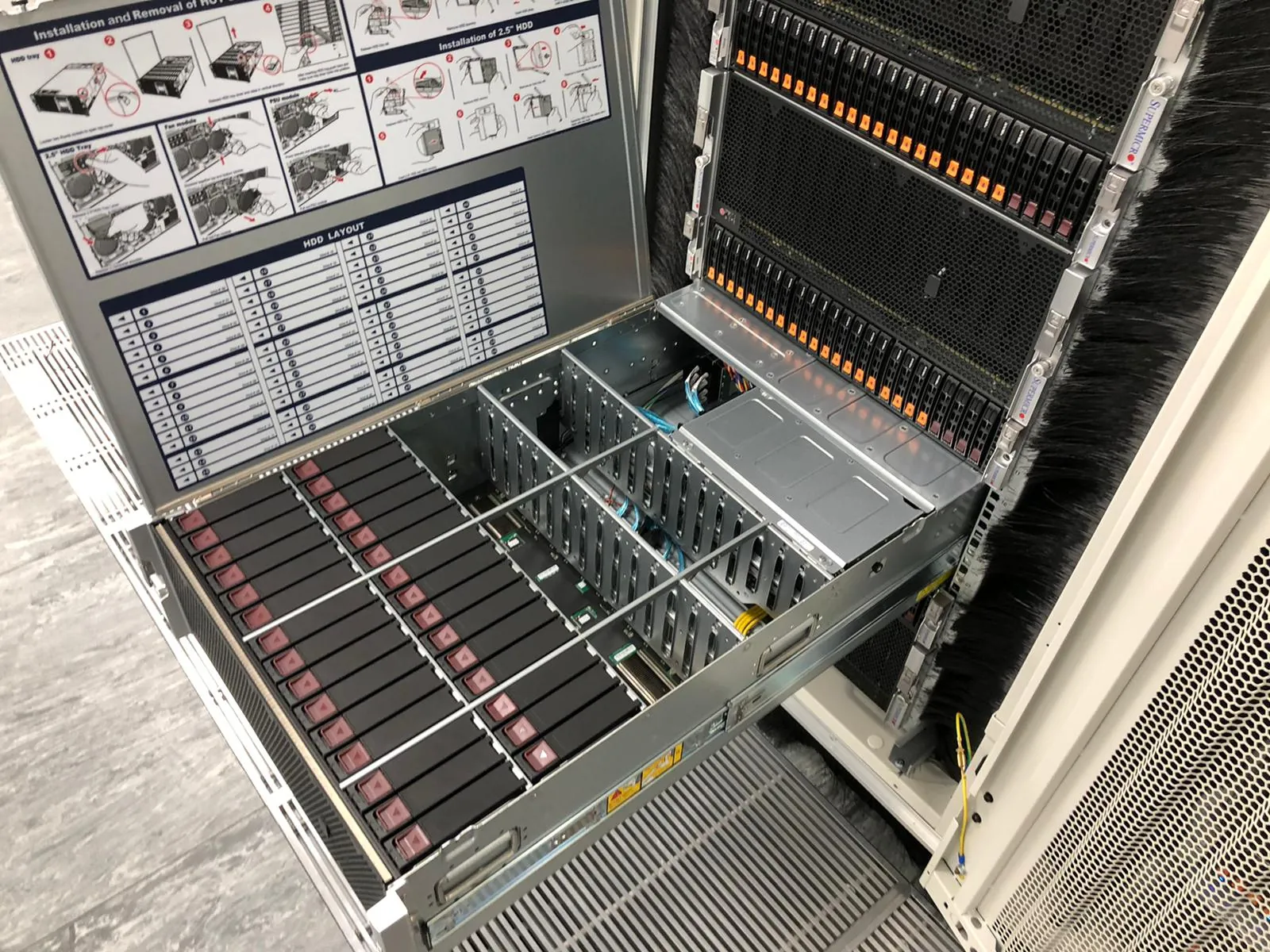
A monitoring alert names a symptom; an onsite engineer needs to know which physical device to inspect and what they may touch. Sending those details together makes an evening hardware call at Equinix LD4 easier to act on.
Uplink targets attendance at LD4 within 40 minutes, subject to availability and traffic, and confirms the ETA for the job. Weekday evenings and weekends are regular hours for us. The immediate aim is to put an engineer beside the right equipment with a usable brief, not to promise recovery before the cause is known.
Start with identity and the observable failure
Give us LD4, your cabinet or cage, rack position and the device's physical asset label or serial number. Include the vendor and model if known. A hostname in the monitoring tool may have no matching label on the chassis, so supply an identifier the engineer can verify onsite.
Describe what changed and when: loss of remote management, a link alarm, a component alert or several devices becoming unavailable together. Say which services are affected and which remain reachable. This is a symptom record, not a final diagnosis; keep the distinction clear when nominating a suspected part.
Send the last known state
Share the alert text, relevant timestamps and the last planned change. If the remote team already tried an action, record it and the observed result. An engineer should not repeat a disruptive action simply because the previous attempt never made it into the handover.
Capture the evidence your existing management tools already provide and use your approved incident channel to share it. Avoid putting passwords or broad access credentials in an email enquiry. We agree the required access with your technical contact for the specific visit.
- Exact chassis identity and rack position
- Symptoms, timestamps and last known good state
- Recent work and actions already attempted
- Approved onsite checks and a stop instruction
- Live approval contact and available spare parts
Describe permission separately from suspicion
Suspected failed NIC is not the same instruction as replace this NIC now. Your brief should say whether the first task is visual inspection, confirming a label, checking an authorised connection or replacing an identified part under the agreed procedure.
If observations do not match the suspected failure, the engineer records them and returns to the remote owner. Broad instructions to do whatever gets it online make accountability harder and can widen a fault. Use a named decision-maker rather than leaving the change boundary to an unattended ticket.
Match attendance to the route that can act first
An independent Uplink engineer needs customer-authorised site access. Arrange the visitor record at Equinix LD4, 2 Buckingham Avenue, Slough Trading Estate, Slough, SL1 4NB and send the approved reference. Our travel estimate does not bypass the facility's entry process.
Equinix also offers its own onsite Smart Hands service. If an operator technician can perform the defined check sooner, use that route. Where you need independent hardware support, a longer incident visit or continuity into a planned replacement, describe that requirement when contacting Uplink. Do not arrange two people to change the same device without coordination.
An available spare changes the next step
Tell us the spare's exact part number, location and site receipt reference. If the replacement has not arrived, an inspection may still be useful, but it should have its own purpose: confirm identity, gather the physical fault evidence or establish which part the remote owner needs.
For storage incidents, preserve the starting record and involve the system owner before authorising changes. A multi-drive or controller problem may need vendor support or a recovery specialist. This article is an incident-handover guide; it does not supply a recovery procedure or authorise changes to storage metadata.
Close the physical visit without losing the incident
The onsite record should state what the engineer observed, what the customer approved, what physically changed and what the remote team checked afterwards. If the system remains unavailable, report that state plainly and name the next owner. Engineer attendance and service restoration are different milestones.
Call +44 7425 571454 for an urgent evening or weekend LD4 request and have the cabinet reference, access status and approval contact ready. We confirm cover and ETA first, then agree the work you need from the visit.
Frequently asked questions
How quickly can Uplink attend an LD4 hardware incident?
Weekday evenings and weekends are regular working hours for Uplink. We target attendance at LD4 within 40 minutes, subject to engineer availability and traffic. We confirm the ETA when you book; customer-arranged access determines when work can start.
What should I send before the engineer leaves for LD4?
Send the rack and physical asset identity, symptom and timestamp, work already attempted, approved checks, access reference and the person who can approve a change.
Is onsite attendance the same as a recovery guarantee?
No. Attendance supplies physical inspection and agreed engineering work. Recovery depends on the fault, equipment state, parts and the decisions of the remote system owner.
Can an inspection help if the spare has not arrived?
It can, where the scope is to confirm equipment identity or gather physical evidence. Agree that purpose and the expected handover before booking.
References
- Equinix: LD4 address and location
- Equinix: visitor access to an IBX
- Equinix: operator-provided Smart Hands
Facility names and addresses can change. Confirm the current access record with the operator before booking travel or sending parts.