
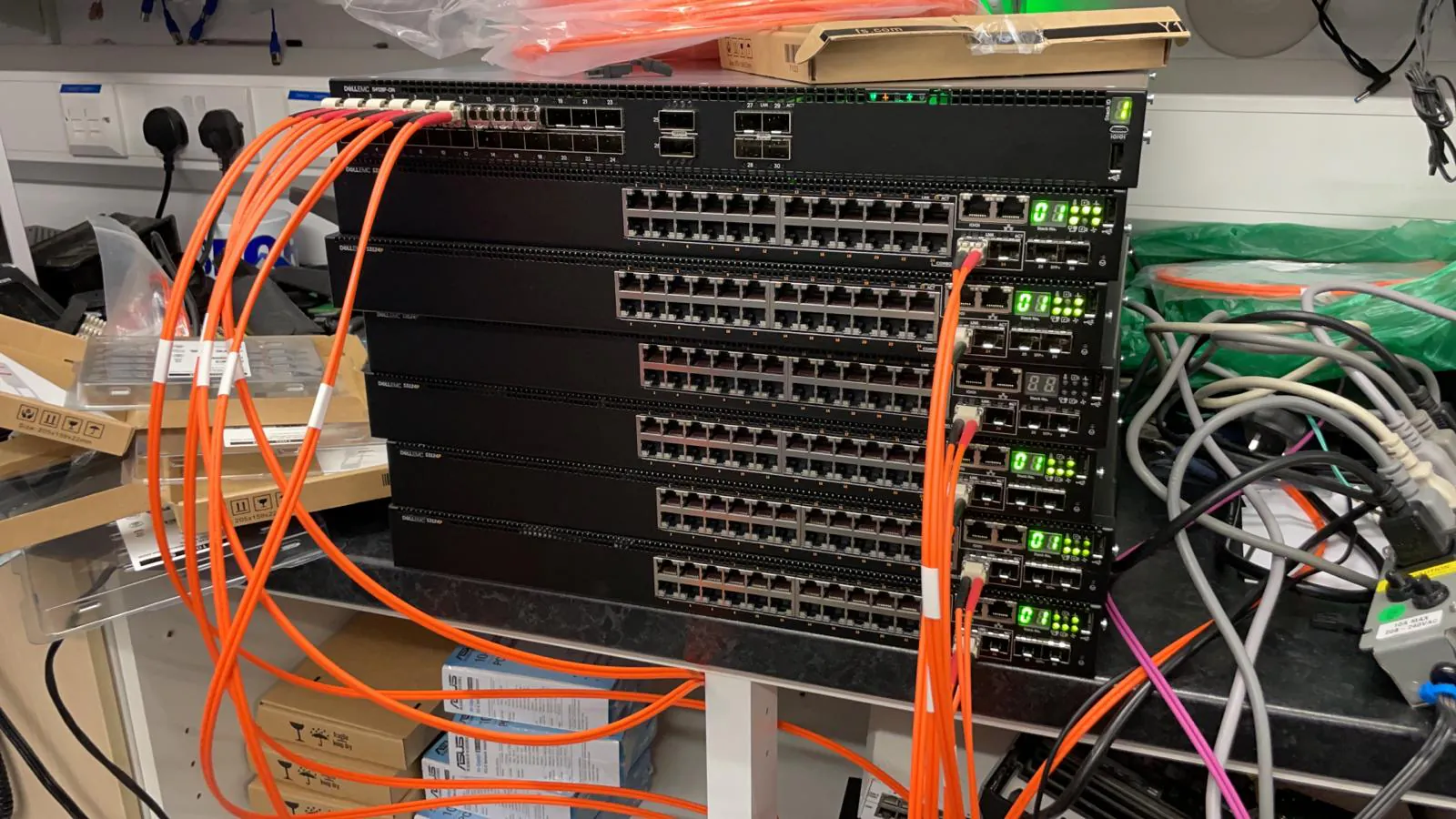
A Saturday change needs a finish line as well as a start time. At Equinix LD4, the engineer's access window, your remote team's availability and the time reserved for validation all need to agree before physical work begins.
Weekends are regular working hours for Uplink, alongside weekday evenings. We can plan onsite cover for your LD4 change window, with a 40-minute attendance target for available urgent cover and a confirmed ETA for each booking. Planned work deserves a booked slot rather than reliance on a last-minute call.
Define the result before building the task list
Write the result in terms that your service owner can verify. Installing a replacement server is a physical task; having that server visible to management and accepted by the remote team is a completion condition. They are related, but one does not prove the other.
Use the same approach for patching and hardware swaps. Agree who checks link state, who confirms the application or workload, and what evidence closes the change. An onsite engineer can finish the physical work while a configuration issue still prevents acceptance. Your record should show both states.
Make the schedule include a stop time
Reserve time for entry, equipment identification, the physical change, remote tests and handover. Set a latest time for starting each disruptive action and a point at which the change owner decides whether to continue, roll back under the approved plan or leave the equipment unchanged.
Suppose your remote team is available until 22:00. Starting a replacement at 21:50 because the engineer is still onsite does not create more validation time. Put that decision in the runbook before Saturday. The engineer should not have to guess how much of the window you are willing to spend.
Confirm access and parts before the weekend
Use Equinix LD4, 2 Buckingham Avenue, Slough Trading Estate, Slough, SL1 4NB on the booking. Check that the visitor record names the engineer, covers the intended period and identifies the customer space. Your portal administrator remains responsible for arranging the required access.
Parts should have a site receipt reference and an agreed storage location. A courier's delivered status does not tell the engineer which customer shipment to collect. Identify boxes and spare components by a reference your local contact can resolve without opening unrelated stock.
Check the supplier's part number against your work order before requesting attendance. If a spare, rail kit or cable is missing, decide whether to change the scope or move the visit. Paying for onsite waiting will not make an absent part usable.
- Confirmed visit reference and customer space
- Onsite shipment reference and exact parts list
- Named change owner who will answer at the booked time
- Acceptance checks and latest permitted start time
- Handling instructions for removed equipment
Separate work that changes service from inspection
An inventory check and a live cable move belong in different parts of the plan. List which tasks only observe and which can affect service, then state who authorises the transition. A successful visual inspection is not permission to carry out the next disruptive action.
For repeated work across several devices, agree a first-device checkpoint. Your remote engineer verifies that the first unit matches the intended layout before the onsite engineer repeats the pattern. That pause costs time, so include it in the schedule instead of treating it as an unexpected delay.
Plan what happens if reality differs
Give the engineer a stop instruction for an occupied rack position, unreadable asset label, mismatched part or connection that differs from the plan. The useful response is a precise description of the obstruction and a call to the change owner.
Ask for a quote against the actual work window and scope. Uplink's weekend availability does not remove the need to agree additional work, waiting or a return visit. If the change requires vendor attendance, specialist equipment or an operator-managed circuit, confirm those dependencies before booking an independent engineer.
Hand Monday's team the remaining work
Close with the device identity, work completed, replacement serial numbers, remote test results and unresolved items. State where removed parts remain and who owns any follow-up. A change ticket that says only done makes the next shift reconstruct the job.
Where the facility permits photographs, agree the required views before the visit. Otherwise request a written record of rack position, labels and observed states. Send Uplink your LD4 weekend maintenance plan through the engineer request form, including the change owner and the time reserved for acceptance.
Frequently asked questions
Can Uplink attend LD4 for Saturday or Sunday maintenance?
Weekday evenings and weekends are regular working hours for Uplink. We target attendance at LD4 within 40 minutes, subject to engineer availability and traffic. We confirm the ETA when you book; customer-arranged access determines when work can start.
Should a planned weekend change rely on the 40-minute target?
Book the required slot ahead of time. The target supports available urgent attendance; it does not reserve an engineer or replace the customer's visitor booking.
What should an LD4 maintenance handover contain?
Identify the equipment, physical actions, parts fitted or removed, acceptance results and outstanding work. Record the owner of each follow-up task.
Who approves changes during the weekend visit?
Your named change owner or remote technical contact approves the agreed work and any variation. They should be reachable throughout the maintenance window.
References
Facility names and addresses can change. Confirm the current access record with the operator before booking travel or sending parts.